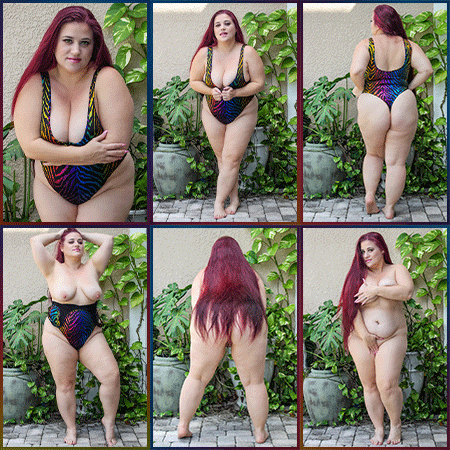
Before we begin, select an image, either a .jpg or .gif, that is eye-catching, shows off what you have to offer and will entice a curious member to click your profile for more! The same rules apply for photos in the forum as the free preview section of your site, so nothing hardcore or against TOS.
VERY IMPORTANT: you MUST keep in mind the maximum file size and dimensions. Maximum dimensions: width: 150 pixels, height: 225 pixels; file size: 488.28 KiB.
Here's a still image for example:
- sample image size.jpg (56.99 KiB) Viewed 8571 times
Here's an animated .gif for example:
- 2022-01_Italian-Lace_THUMB.gif (276.58 KiB) Viewed 8571 times
Now, that you've got your image selected, and in the right dimensions and file size, you're ready to add it to your profile!
First, click the link that says "User Control Panel" in the top left corner of the page.
- uploading a photo to the Fan Box.png (47.08 KiB) Viewed 8571 times
Second, click the "Profile" tab.
(Sidenote: If you haven't done so already, be sure to fill in the fields on this page with all the information you want potential customers and fans to see when they visit your profile)
- uploading a photo to the Fan Box2.png (35.06 KiB) Viewed 8571 times
Third, click the link on the left that says "Edit avatar".
- uploading a photo to the Fan Box3.png (35.5 KiB) Viewed 8571 times
Fourth, select "choose file" to upload your image from your computer OR if your image is hosted elsewhere, use the other lines to put in the URL where your image is hosted. Then, hit the "SUBMIT" button at the bottom. The page will refresh and you should see your new profile image!
- uploading a photo to the Fan Box4.png (124.97 KiB) Viewed 8571 times
If it doesn't work out the first time you try, don't fret, you'll get the hang of it, and if it did work out, GOOD JOB! Look how good you are at this already!